Emacs Setup: A personal setup
A high-performance Emacs configuration optimized for Python workflows, featuring Rust-based tooling and unified command interface.
Technical Stack
Resources
Overview
This project documents my personal Python development configuration built on Emacs 30.2. It represents a complete modernization effort focused on performance, minimalism, and modern Python workflows. The configuration replaces traditional tooling with Rust-based alternatives, achieving measurable performance improvements verified by automated benchmarks.
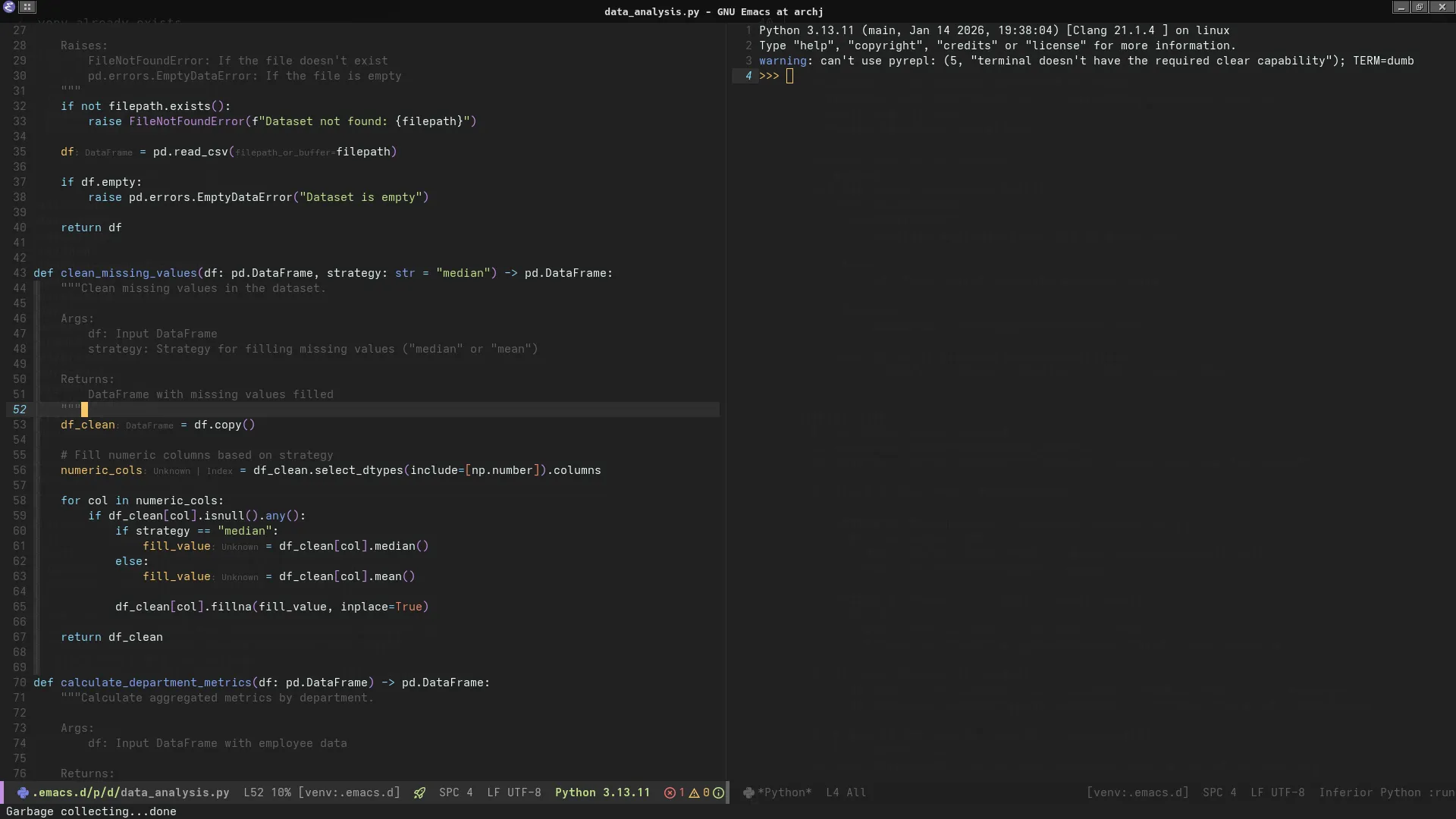
Complete development environment: code editor, REPL integration, and LSP features
Core Philosophy
“Less Visual Weight, More Engine Power”
This configuration prioritizes:
- Performance: 324ms startup, <16ms Ruff, <90ms Ty checks
- Isolation: Per-project environments with automatic detection
- Minimalism: Essential features only, no decorative UI elements
- Modern tooling: Rust-based tools for speed and reliability
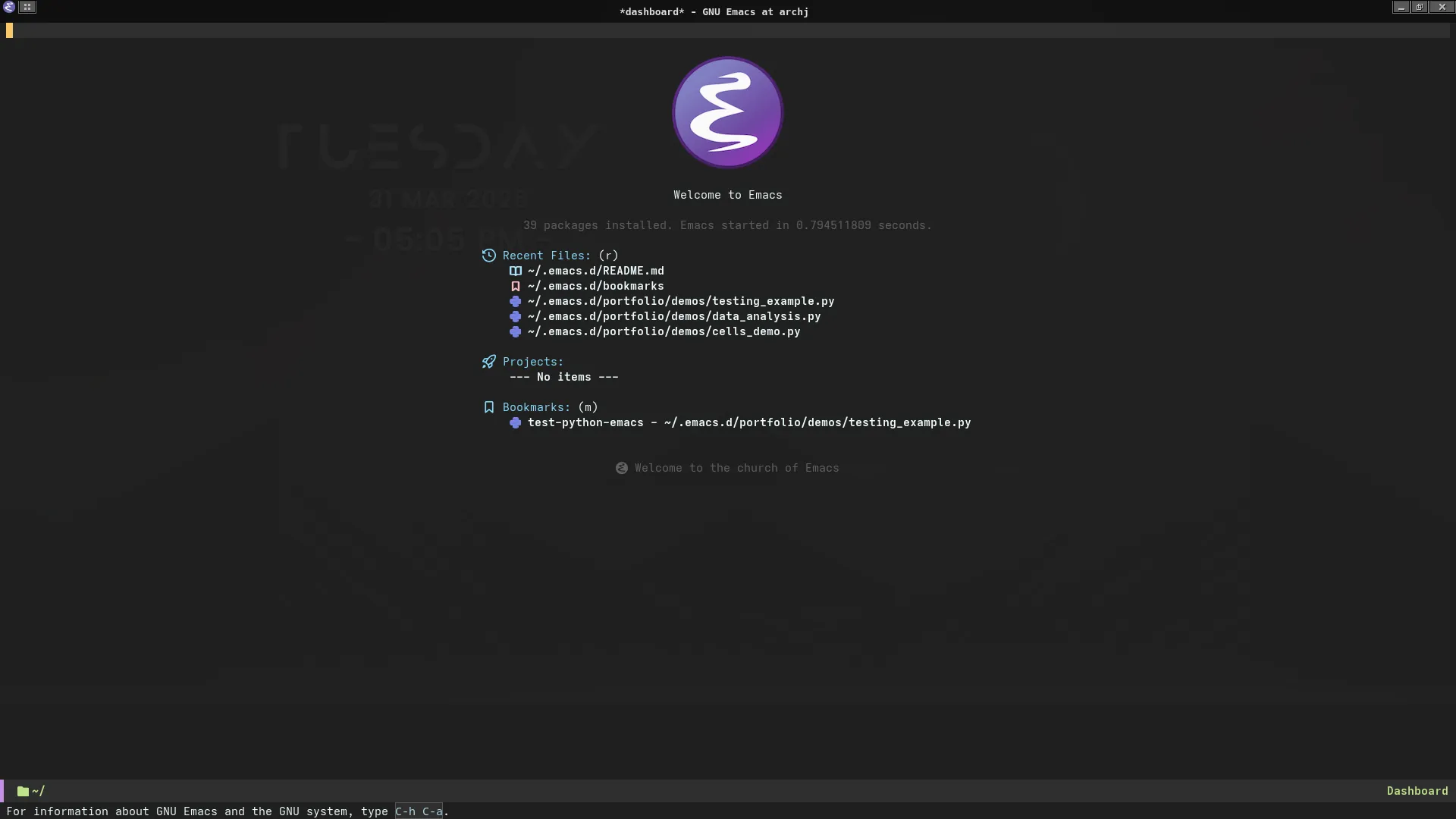
Clean startup interface with recent files and quick actions
Technology Stack
The configuration is built on four layers, each serving a specific purpose:
Key Technologies
| Layer | Technology | Purpose |
|---|---|---|
| Package Manager | uv (Rust) | 10-100x faster than pip, handles environments |
| Type Checker | Ty (Rust) | ~9x faster than Pyright, ~80ms single-file |
| Linter/Formatter | Ruff (Rust) | 10-100x faster than Flake8/Black, ~10ms formatting |
| LSP Client | Eglot (built-in) | Native Emacs LSP with auto .venv detection |
| Syntax | Tree-sitter | Fast, accurate parsing for 20+ languages |
| File Manager | Dired + nerd-icons | Traditional navigation with minimal icons |
Key Improvements
The modernization effort focused on four measurable areas:
Rust Tooling
Ruff (Linter/Formatter):
- Lint 1000 LOC in ~16ms, format in ~10ms
- Nearly constant format time regardless of file size
Ty (Type Checker):
- Single-file check in ~80ms (small/medium files)
- Project-wide check in ~112ms
Dired (File Manager):
- 100 files in 6.4ms, scales linearly (~0.031ms per file)
- 3000+ files (/usr/bin) in ~101ms
Package Management:
- pip + virtualenv: Manual setup, slow installs
- uv: One-command setup, 10-100x faster than pip (0.06s vs 4.63s installing Trio’s deps, warm cache)
- Result: Workflow simplification
Quick Start
Prerequisites
# Install Emacs 29.3+ with Tree-sitter support
sudo apt install emacs-snapshot  # Ubuntu/Debian
# OR compile from source with --with-tree-sitter

# Install Rust toolchain (for uv installation)
curl --proto '=https' --tlsv1.2 -sSf https://sh.rustup.rs | sh
Installation
# Clone configuration
git clone https://github.com/JesusF10/emacs-config ~/.emacs.d

# First launch (installs packages automatically)
emacs
Project Setup
# Navigate to project
cd ~/projects/my-python-project

# Initialize environment with uv
uv venv
source .venv/bin/activate

# Install development tools
uv pip install ty ruff ipython pandas numpy

# Open in Emacs (auto-detects .venv)
emacs .
The configuration automatically detects the local .venv and uses project-specific tools for LSP, linting, and REPL.
Documentation Structure
This portfolio is organized into focused sections:
- Challenges - Four major problems solved during customization
- Architecture - Layer-by-layer breakdown of the stack
- Workflows - Python and development workflows
- Performance - Detailed benchmarks and optimizations
Project Status
Current Version: 2.0 (Initial Customization Complete)
Last Updated: April 1, 2026
Emacs Version: 30.2
Platform: Linux (Arch Linux, kernel 6.19.10)
For the Future
- Enhanced Python Support: Expand Python workflows with more features and optimizations.
- Advanced LSP Features: Implement advanced LSP features like code actions and refactorings.
- Integration with Other Languages: Extend the configuration to support multiple languages and frameworks.
- Improved User Experience: Enhance the user interface and workflow for a smoother experience.
- Security Enhancements: Implement security measures to protect against potential vulnerabilities.
- Coding Assistance: Integrate AI-powered coding assistance for faster development.
Next: Challenges Solved →